Page Builder
How to use Visual Composer Page Builder You can check official Visual Composer site to know more about it https://vc.wpbakery.com/
Go to Settings > Visual Composer. (Changing default settings is not recommended).
When you create any post or page, you can see the blue button "Visual Composer" to activate it.
You will see options to start building (or composing) content and layout for your post/page.
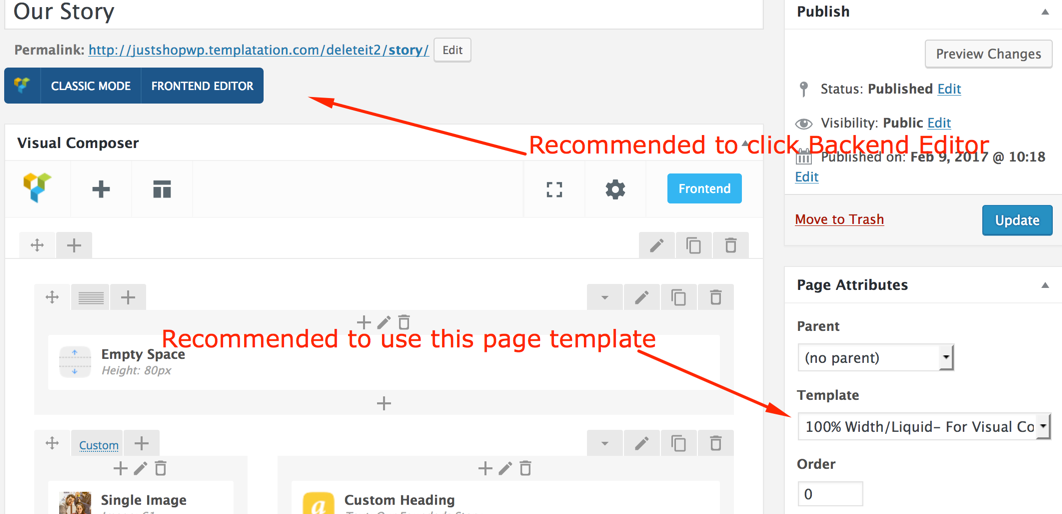
Surely, you can be as creative as you want and build your page having a unique layout for itself. If you want to reuse a certain layout you have created, then you can use the "Templates" button to save your layout for future use. You can test drive Visual Composer Interface yourself.
If you have imported demo data content.xml file, then you already get several pre-built pages created using Visual Composer.